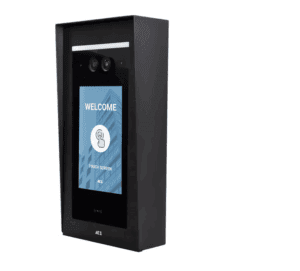
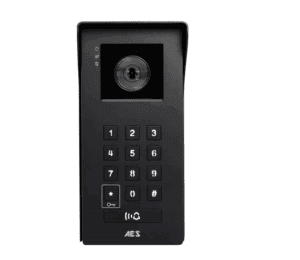
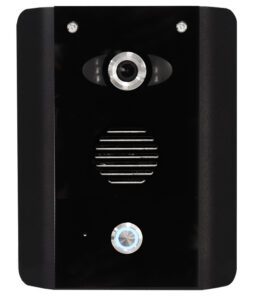
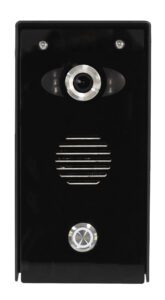
What is a video IP intercom?
A video IP intercom is a door or gate entry system that sends audio and video as data over an IP network, the same kind of network your computers and routers use. The outdoor station has a camera, speaker, microphone and call button, and connects to the network with a data cable. When a visitor calls, the system rings indoor IP monitors, a smartphone app or both.
Because everything runs over the network, an IP video intercom is easy to extend. Adding another monitor, another user or another entrance is usually a matter of connecting it to the network and setting it up, rather than running new intercom cable back to every handset.
IP video intercoms compared with other video intercoms
Video intercoms come in several types, and the choice usually comes down to cabling and scale:
- Video IP intercoms suit sites with a network cable to the gate or door, multiple users or dwellings, or a need to answer on several devices. They give the most flexibility and room to grow.
- Wired video intercoms and 2-wire video intercoms use dedicated intercom cable to indoor monitors. They are simple and dependable for a single house where app access isn’t needed.
- Video GSM intercoms use the mobile network instead of a cable to the property, which makes them the practical choice where no cable route exists.
- Wireless video intercoms link the gate and house by radio over a limited range.
Our video IP intercom range
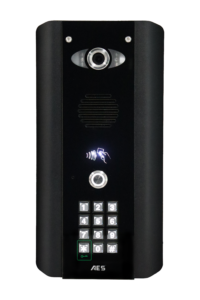
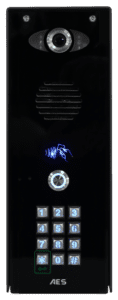
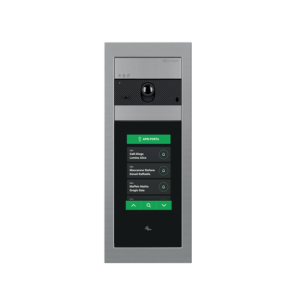
- AES Opyn IP video intercoms come in Imperial and Architectural finishes, with or without a keypad for code entry. The AES Multi Opyn takes the same approach to larger sites, with versions for up to 10,000 users.
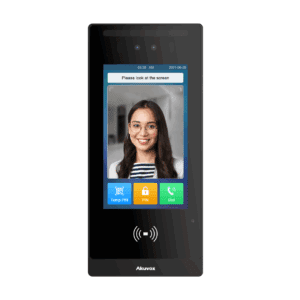
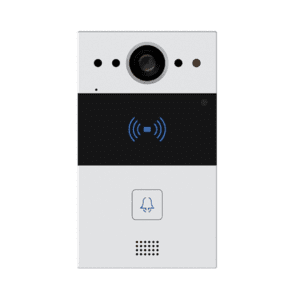
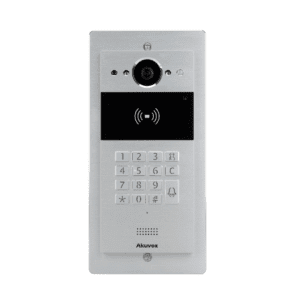
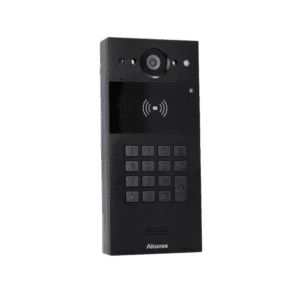
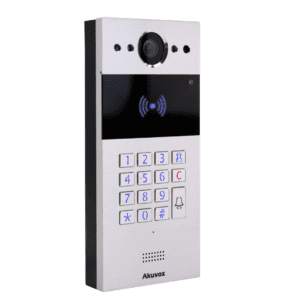
- Akuvox IP video intercoms include the E18C and the R20 series of surface-mount door stations, with keypad options for code entry. Read more about the range in our post on the new Akuvox range.
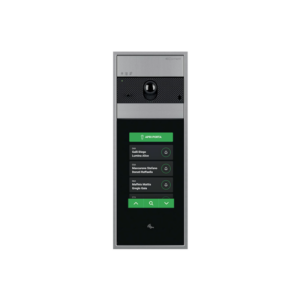
- Comelit Ultra VIP video touch intercom kits come in two versions, the UT8090 and UT8090S.
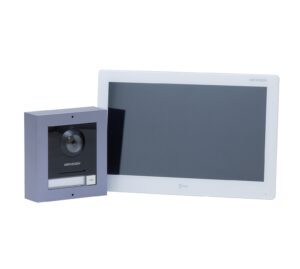
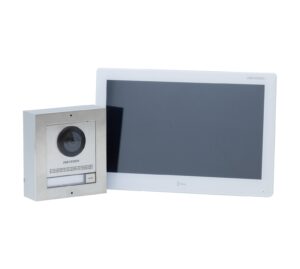
- Hikvision 1-button IP video kits include a 10 inch indoor monitor, in standard and stainless steel versions, for a straightforward single-dwelling installation.
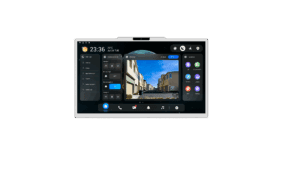
To complete or extend a system, see IP monitors, IP camera modules and IP intercom accessories, or browse all IP intercom systems.
How to choose an IP video intercom
- Users and dwellings. A single house needs a one-button station. Shared drives, flats and business units need a keypad or multi-user station, or a system like Multi Opyn built for large numbers of users.
- How you’ll answer. Decide whether calls should ring indoor monitors, phones or both, and how many of each you need.
- Network at the entrance. An IP intercom needs a data connection at the gate or door. On long gate runs this usually means ducting a suitable external-grade cable, and on some sites a network switch near the gate.
- Entry without calling. If residents or staff need to come and go freely, choose a station with a keypad, or add a standalone keypad or proximity reader.
- Finish and mounting. Pick a finish that suits the entrance, and an intercom post if the station needs to be reachable from a car.
Installing a video IP intercom on a gate
The outdoor station connects to the network, and the gate is opened through a relay output wired to the gate control board or an electric lock. Check that the station’s relay suits your gate automation or lock, and plan the power for the station, whether from the network cable or a separate power supply.
When the intercom is part of a powered gate, the whole installation needs to be safe, including the gate’s safety devices. Our guide on how to make your electric gate safe explains what to consider. For other ways to control entry, see our full intercoms and access control range.
Frequently asked questions
What is the difference between an IP intercom and a 2-wire video intercom?
A 2-wire video intercom carries power, audio and video over two dedicated cores between the door station and indoor monitors. An IP intercom sends audio and video as data over a network, so it can ring monitors and smartphones and add users without new intercom cabling. For a single house with no need for app calling, 2-wire is simpler; for larger or growing sites, IP is more flexible.
Can I answer an IP video intercom on my phone?
Many IP video intercoms can ring a smartphone app as well as, or instead of, an indoor monitor. App calling depends on the model and its setup, so check the product details or ask our team before you buy. You will also need a reliable internet connection at the property for calls away from home.
Does an IP intercom need a network cable to the gate?
Most IP intercoms connect with a data cable, so the gate or door needs a network connection. Long gate runs usually need external-grade cable in a duct, and some sites add a network switch near the gate. Where there is no cable route, a video GSM intercom is often the better option.
How many users can an IP video intercom system handle?
It depends on the door station. One-button kits are made for a single dwelling, while keypad and multi-user stations handle shared entrances, flats and business units. The AES Multi Opyn range includes versions for up to 10,000 users.
Can a video IP intercom open an electric gate?
Yes, as long as the door station has a suitable relay output. The relay is wired to the gate control board’s open input or used to release an electric lock. Check the relay rating against your gate automation, and send us the model if you would like a compatibility check.

 Pay in 3 interest-free payments.



 Shop Now, Pay with Klarna